Article
Sunlight hours in a room: estimate them from a floor plan
Estimate sunlight hours in a room from its windows, orientation and season, then test the plan hour by hour and account for real obstacles outside.
The afternoon sun visible during a viewing may tell you little about a winter morning. To estimate sunlight hours in a room, start with the direction of its windows, the property's location and the season. Then check when direct sun can actually reach each window, allowing for buildings, trees and other shade outside.
In short: Sun exposure is the time direct sunlight can reach a room's windows. Read the plan's north direction, set the property's place and date, and check the room at intervals from sunrise to sunset. Repeat for a winter and a summer day.
There is no single useful “sun hours” figure for every day of the year. A room may get a bright morning in one season and little direct sun at the same hour in another. Record the date and the time range when you compare rooms, then ask whether that light falls when you actually use them.
What determines sunlight hours in a room?
Direct sun depends first on the direction each window faces. A room with windows on two sides may receive sun at different parts of the day. A north arrow on the plan tells you how those walls relate to the sun's path; if the arrow is missing or unreliable, confirm orientation before relying on an estimate.
Place matters because the sun's path changes with latitude. Season matters because its height and the length of the day change. The shape of the room, window positions, roof edges and balconies can change where a sunlit patch falls inside. Outside, a neighbouring building or tree may block light before it reaches the glass.
Distinguish direct sun from daylight. A room can have useful daylight without a direct beam entering it. A window may also receive direct sun while a desk deeper in the room remains shaded. Decide which question you need answered: when the window is sunlit, when a particular seat is sunlit, or how bright the room feels overall. A plan-based check is most useful for the first two.
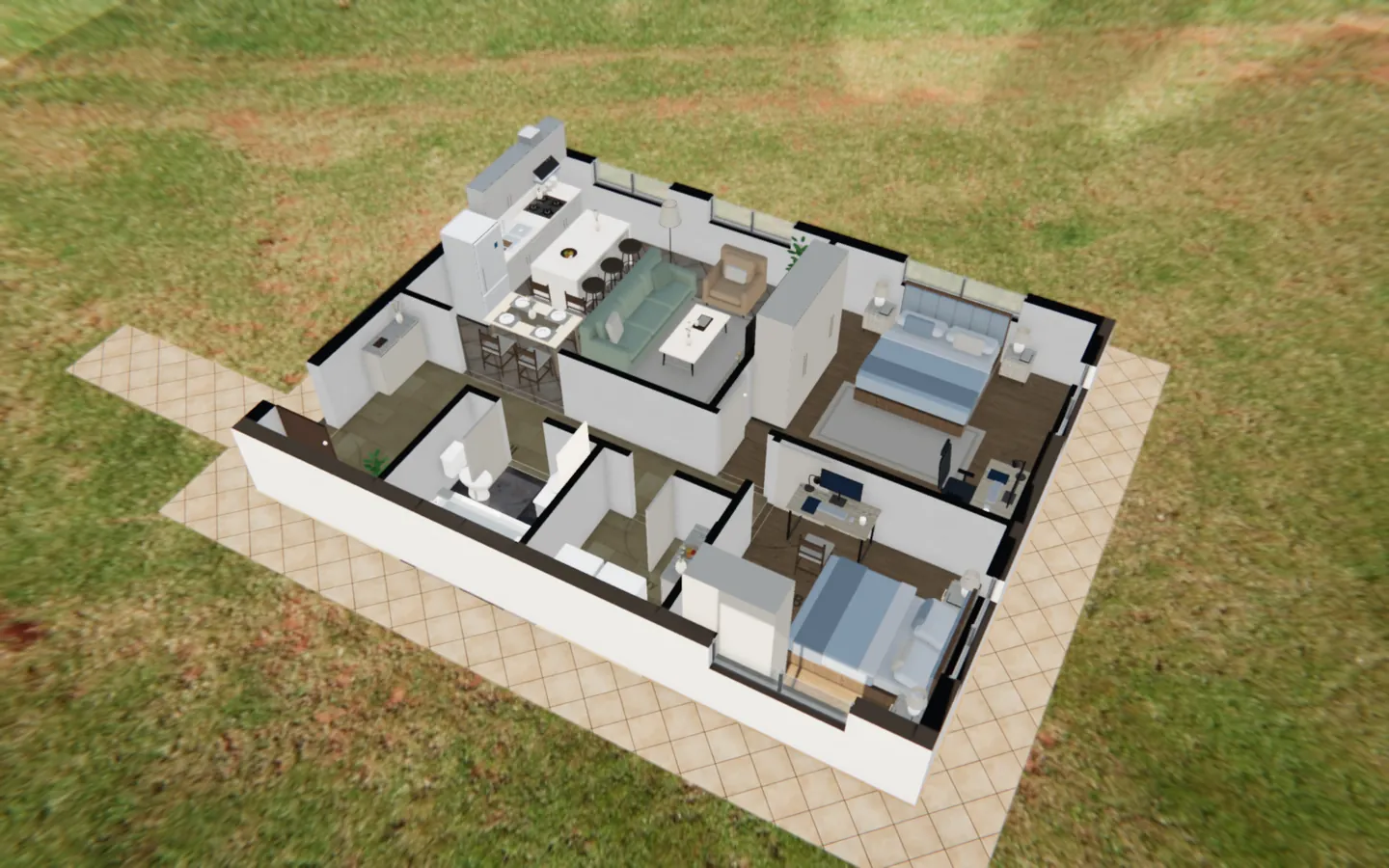
Why the hours matter in daily life
Direct light can make a room feel warmer and brighter. It can also cause glare on a screen or wake someone earlier than they want. A plant placed near a window may need a different spot from one set further back. The useful question is therefore not “Which room has the most sun?” but “When does this room receive sun, and what will I be doing there?”
For a bedroom, compare the morning with the hours you normally sleep. For a work room, check the desk during working hours and look for glare. For a living space, test the hours when people are usually home. Repeat those checks in winter and summer rather than relying on one viewing on a pleasant day.
A shaded summer window may be comfortable, yet the same obstruction could reduce winter light. Low winter sunlight may reach further into a room when it is unobstructed, while a nearby building may block that low angle altogether. For more on this seasonal difference, see winter vs summer sun.
Make an hour-by-hour estimate from the plan
Begin with the plan and the actual location. Mark each window for the room you care about and check north. Set a winter date, then move from sunrise to sunset in steps small enough to see when the first and last direct patches appear. Write down the interval, not just a total. Repeat on a summer date, using the same room and window.
Use a simple record you can fill in. Leave an entry blank until you have checked the orientation and the outside shade. If several windows admit sun at different times, note each interval separately and avoid counting overlapping intervals twice.
| Room | Winter direct-sun hours | Summer direct-sun hours |
|---|---|---|
| Living room | Fill in after checking | Fill in after checking |
| Bedroom | Fill in after checking | Fill in after checking |
| Work room | Fill in after checking | Fill in after checking |
Add the date, place and window direction in your notes beside the table. An “hours” entry without those details can be misleading. If you cannot verify north or an obstruction, mark the result as uncertain rather than making the table look more precise than the evidence.
Check the real shade outside
A floor plan does not show every neighbouring building, tree or balcony above a window. Visit the property at a useful hour if you can. Look out from the window and check what stands between it and the sun. A tree may change with the seasons; a fixed building will not. Photographs can help, but a single picture only captures one time and direction.
Treat a sun simulation as a way to ask better questions about the home. It can place the sun for a selected location, date and hour, but it cannot confirm the view beyond the window. If a decision depends heavily on winter light, compare the model with what you can observe at the site or in reliable views of its surroundings.
Some countries have requirements for minimum sunlight in homes. The rules and how they are measured depend on the place and project. If you need to demonstrate compliance, check local requirements with a qualified professional. An informal room-by-room estimate is for understanding daily experience, not certifying a building.
Estimate a room in Home 3D Studio
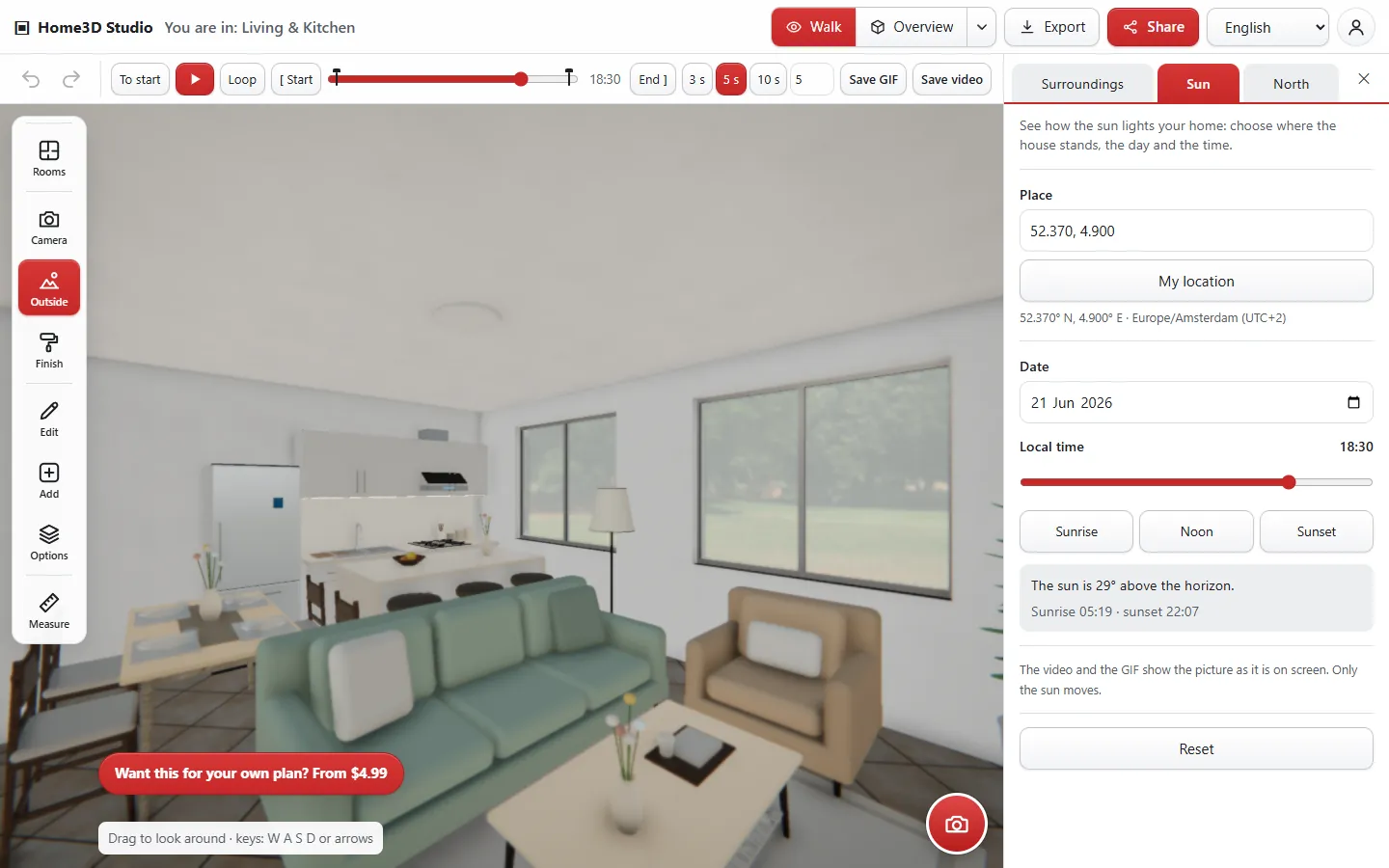
Home 3D Studio reads a clear image of a single-floor plan and makes it walkable in a browser. Its Outside controls include Sun for a city or coordinates, date and local time, plus North to align the plan. The Sun panel shows sunrise and sunset times and can play the day through. You can examine the same room in Walk or from above. The Sun tool guide explains the controls.
- Open the free family house sample, or upload your own clear plan image and check its rooms and sizes.
- In Outside > Sun, choose the correct city or coordinates. In Outside > North, turn the plan to match the real orientation.
- Choose a date in December. Jump to sunrise, then advance the local time through the day and note when direct sun enters each room.
- Repeat with a date in June, checking the same windows and writing the observed intervals into your table.
- Compare those intervals with your usual hours in each room, then check nearby buildings, trees and overhangs outside the model.
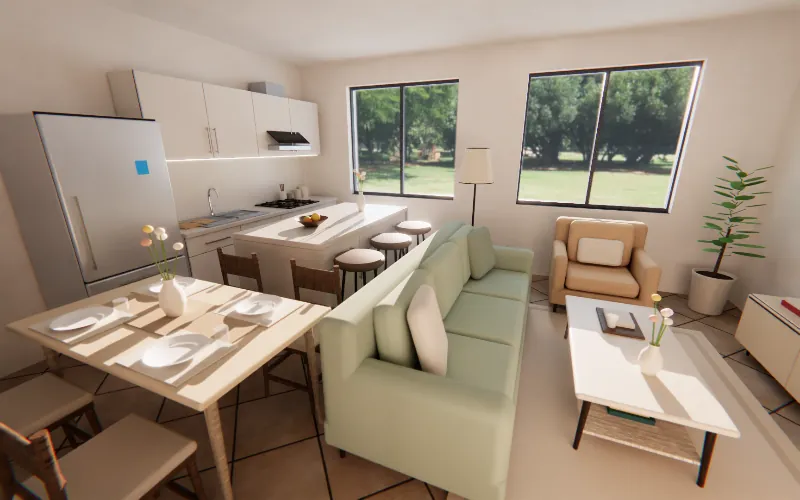
See it in 3D
Open a sample design and walk through it, check the sun, set the hour and watch the lamps come on. It is free, in your browser, with nothing to install.
Or open a sample directly: 1920s teacher's cottage · Two-bedroom apartment
Keep the estimate tied to a date, a room and a verified orientation. Test the hours when you would use the space, repeat in both seasons and confirm outside shade before treating the result as a property decision.